
Layers on a timeline
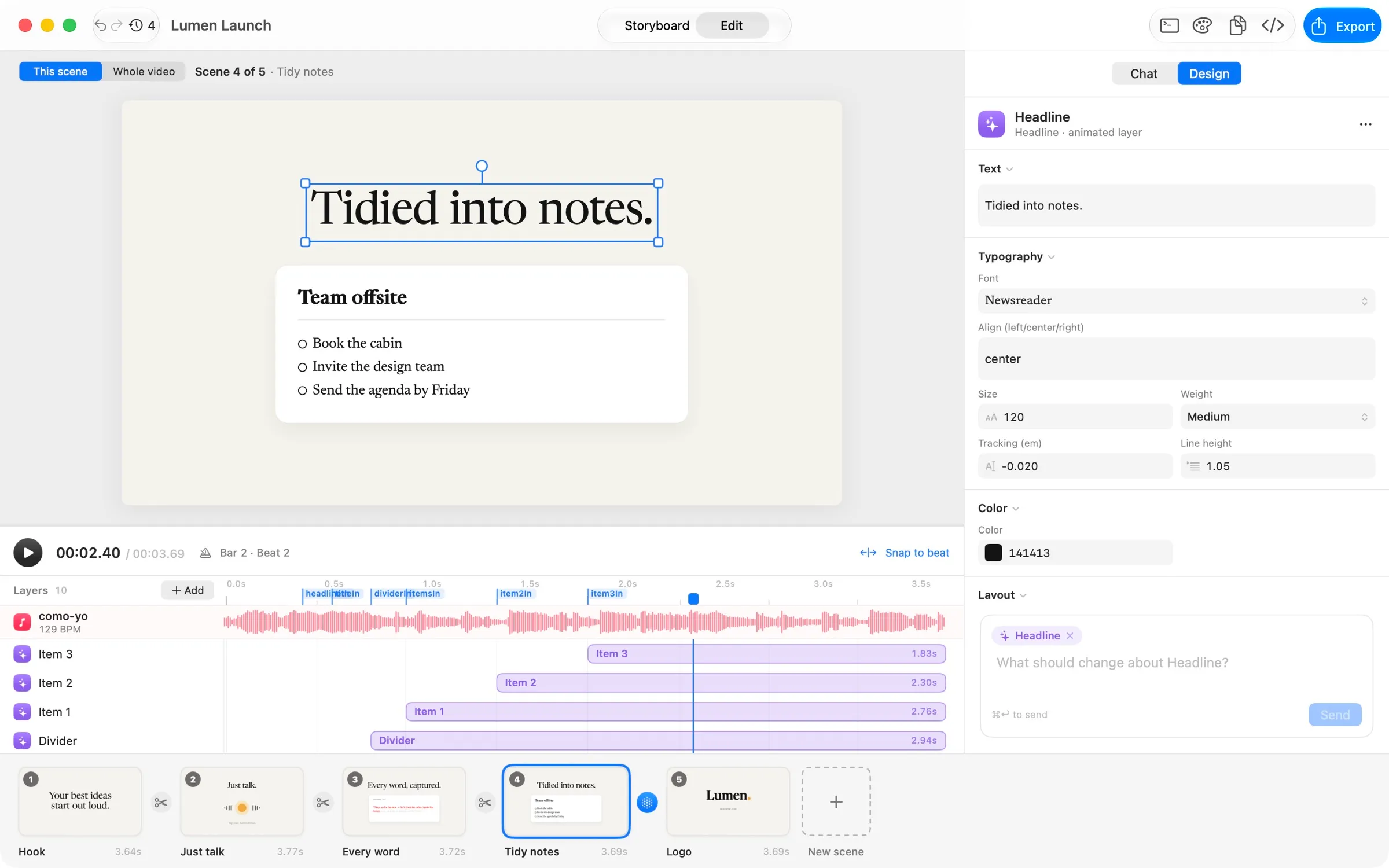
Every element is a layer you can move, hide, lock, reorder and retime — bars snap to the beat.
Studio-grade motion graphics, from a sentence.
Describe the video you want. Your coding agent plans a storyboard, animates every scene and cuts it to your music — down to the millisecond. Then you shape it like a designer.
Free forever with a small watermark · macOS 26 · Apple Silicon
Runs on the agent
you already use
From one prompt to a finished video
CueMotion turns a brief into a storyboard you can shape, then into a video you can edit frame by frame. Every step stays yours to change.
Length, format, style, your brand and a song. Plain words — no timelines, no keyframes.
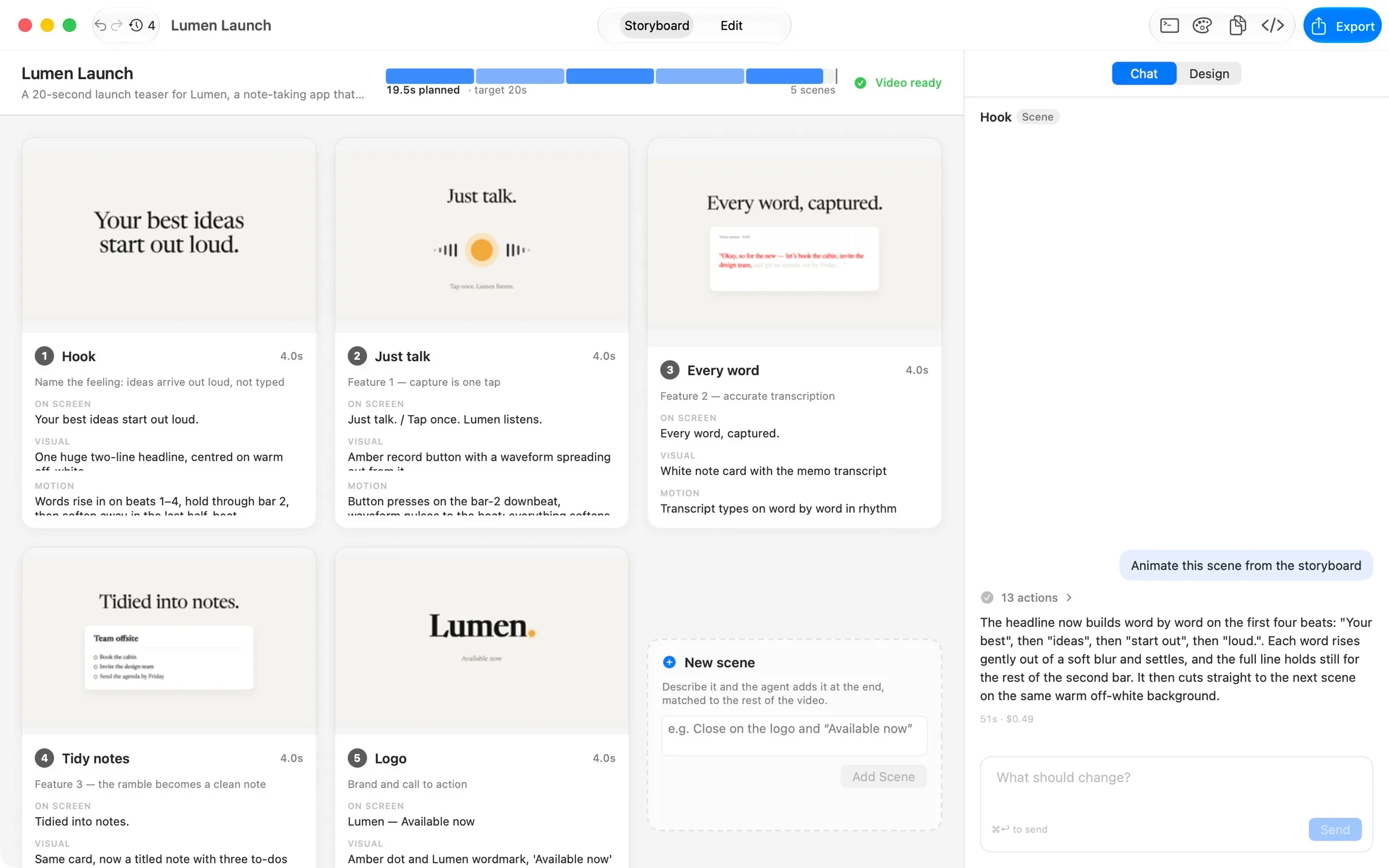
The agent drafts every scene with a rough frame. Rewrite a card, reorder, or ask for a new angle.
A shared look first, then every scene in parallel, then a pass over every cut so it plays as one piece.
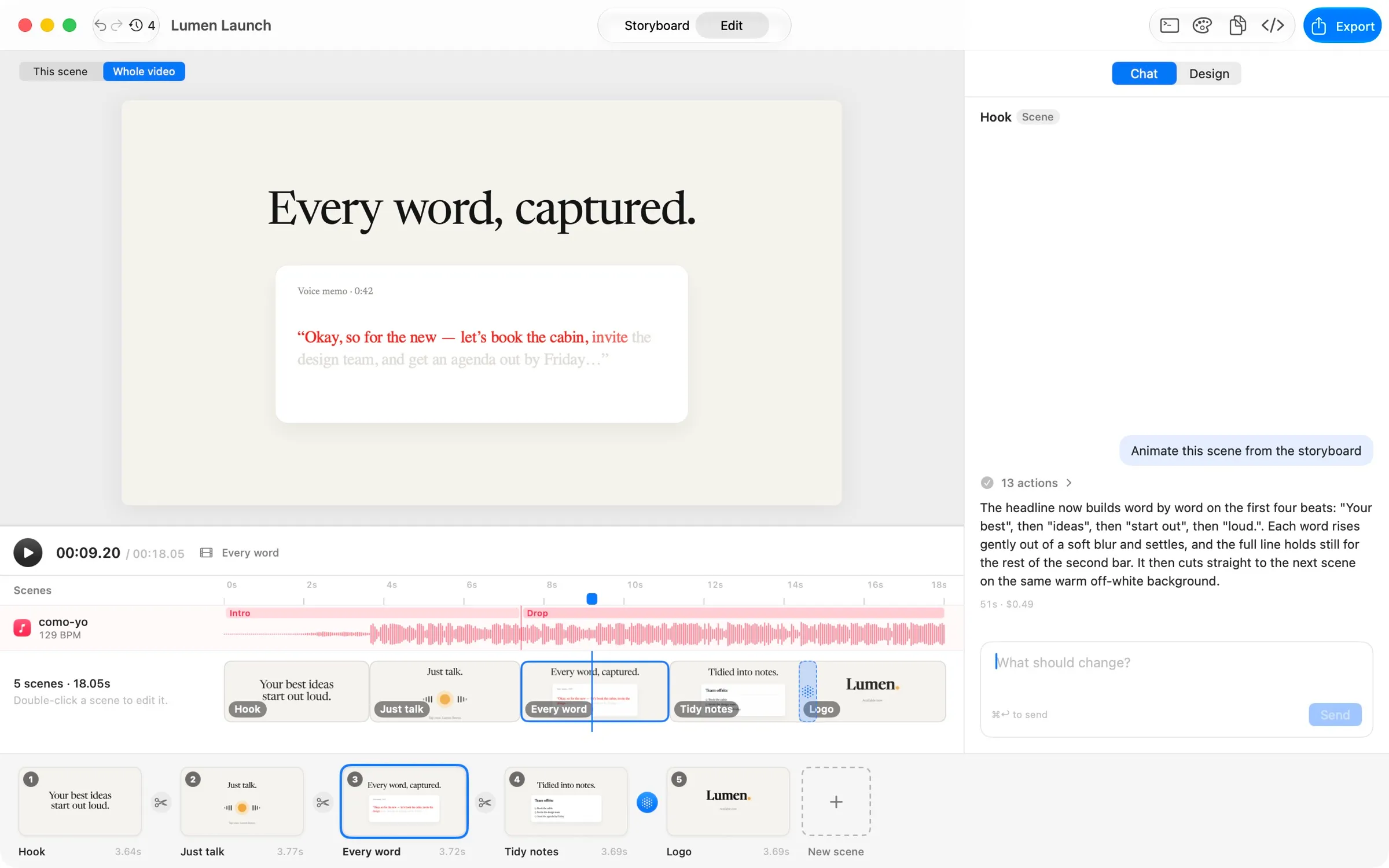
Drag, retype, retime, recolor. Or keep talking: “make it 45 seconds”, “calmer motion in the middle”.
Cut to the beat
CueMotion hears the beats, bars and phrases of your track with a neural beat tracker that runs on your Mac. Scenes are measured in bars, cuts fall on downbeats and the big moment hits the drop.
Change the song and the whole video re-times itself. Nudge a layer and it snaps to the nearest beat.
Not just prompting
The agent writes the motion. You direct it — on a real canvas, with real layers, in a timeline that knows the music.
Every element is a layer you can move, hide, lock, reorder and retime — bars snap to the beat.
Real fonts by name, named weights, colour, easing curves. Drag any value to scrub it.
Drag to move, pull a corner to scale, twist to rotate, double-click to retype. Guides snap to centre.
Pin a logo or caption to the whole video. It carries across cuts without restarting.
Seamless handoffs designed by the agent, or crossfade, push, zoom, blur and wipe — measured in beats.
Undo, redo and every version of every scene, for your edits and the agent's alike.
It checks its own work
Most AI tools animate blind. CueMotion gives your agent eyes: it renders exact frames, compares the last frame of a scene with the first of the next, and validates every scene before it tells you it's done.
render_frameAn exact frame at any time, down to the millisecond.render_stripA contact sheet of the motion, to judge staggers and holds.seam_checkHow invisible each cut is, as a pixel difference.validateBuilds, timing and first, middle and last frames — before you see it.

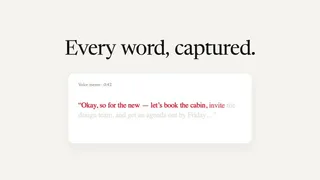
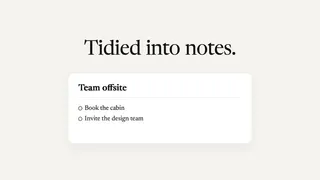
seam_check every word → tidy notes:0.4% of pixels differ. The cut is invisible.
Bring your own agent
CueMotion drives the real CLI already on your Mac. Your login, subscription, model, MCP servers, CLAUDE.md, hooks and plugins stay exactly as you set them.
No lock-in, no markup
When your agent gets a new model or feature, CueMotion gets it the same day. We never resell AI — you use the plan you already have.
Projects are plain folders on your Mac. Nothing leaves it except what your agent sends to its own provider.
Pricing
$0forever
$49$79one-time
Prices in USD. Launch pricing ends when CueMotion leaves early access. The AI runs on your own coding agent's plan, which CueMotion never charges for.
FAQ
No. You describe what you want and edit what you see. Under the hood every scene is code your agent writes, so developers can open the project folder in their editor any time — but nobody has to.
A Mac with Apple Silicon on macOS 26, and a coding agent: Claude Code, Codex, OpenCode, or any command-line agent you can describe. CueMotion finds the ones you have on first launch.
Never. It drives the agent you already use, on the plan you already pay for. How much a video costs depends on your agent and model — a 20-second, five-scene video is a handful of agent turns.
Drop in a song and CueMotion finds its tempo, beats, bars and phrases on-device with a neural beat tracker. Scenes and layers are timed in beats, so they stay locked to the music — even if you swap the song.
Nothing stops working. You keep the last version released in your year, without a watermark, forever. Renew whenever a new update is worth it to you — there's no subscription. Pro is $49 during launch, then $79.
H.264 and HEVC for sharing, ProRes 422 and 4444 for editing, at your project's size or doubled for 4K, with the music laid underneath.
In a normal folder on your Mac, with a full version history. Your prompts go only to your agent's own provider.

Free to download. Pro is $49 at launch, then $79 — paid once.
macOS 26 · Apple Silicon